“Checking in on the piece — how’s the healing going? If anything looks unusual, send me a clear photo and I’ll take a look.”
PRIVATE CREATOR SYSTEM
COMMAND
CENTER.
One real project becomes a mission, episode, Reel plan, caption, portfolio record and booking path. Your canon stays attached to every generation.
KRAYONZ SHIELD
OWNER / ADMIN VERIFICATION REQUIRED.
Sign in with KRAYONZ ID first, then open a short-lived privileged session before legacy Command Center access.
KRAYONZ // CREATOR OS
PROJECTS BECOME MISSIONS.
0PROJECTS
0LIVE
0CANON RECORDS
SHIELD // VERIFIED OPERATIONS
LIVE BUSINESS STATUS.
—ORDERS TODAY
—VERIFIED REVENUE
—BOOKINGS
—SECURITY ALERTS
—LIVE PRODUCTS
NEXT ACTION
FEED THE MACHINE.
Run the whole KRAYONZ machine from here: projects, leads, Battle Arena applicants, Drop orders, subscribers and audience activity. Nothing public gets lost in a random inbox.
PIPELINE
- 01 REAL PROJECT
- 02 MEDIA + FACTS
- 03 CANON-LOCKED MISSION
- 04 CONTENT PACKET
- 05 PUBLIC EPISODE
RECENT
ACTIVE PROJECTS.
REAL PROJECT → STORYWORLD
NEW PROJECT.
No client name is required. Log only the facts the public story needs.
∞
CANON LOCKED // WAITING FOR PROJECT
BUILDING MISSION...
PERMANENT STORY MEMORY
CANON BIBLE.
Edit the records the Mission Engine must obey. Changes are stored in the site's persistent Command Center data.
FORGED BY THE AUDIENCE
COMMUNITY QUEUE.
Visitor characters stay outside public canon until you approve them. Feature only the ones you want the universe to recognize.
PROJECT MEMORY
ARCHIVE.
Draft, generated and published missions all stay here.
INQUIRY → CLIENT → RETURN
LEAD PIPELINE.
Private project inquiries captured from the website. Move each lead through the client journey and use the follow-up scripts when the timing is right.
Open this tab to load inquiries.
CLIENT RETENTION KIT
DON'T LET THE RELATIONSHIP END AT THE REVEAL.
“When it’s fully healed, send me a clean photo in good light. I’d love to document the finished result.”
“If you were happy with the experience, a quick review helps people who are deciding who to trust with their own project.”
“Whenever you’re ready for the next piece, send the idea over. We can build from what we already started.”
REQUEST → PROOF → PAYMENT → PRODUCTION
DROP ORDERS.
Ready-made Drop Room orders can arrive already paid once direct checkout is enabled. ACCESS prices and exclusives still require verified membership. Fixed collector prints can check out directly. Personalized prints and masks remain proof-first: approve the art, then create or send checkout. Paid apparel can move directly into Printify / Printful production after you verify the mapped variant.
Open this tab to load Drop 01 requests.
OPTION B // MONEY → PRODUCTION
FULFILLMENT.
Connect the stores, auto-map supplier variants and verify Stripe from one private screen. Apparel can launch before Printful is finished.
Open this tab to check payment and supplier connections.
LAUNCH RULE
ONE SAMPLE BEFORE SCALE.
Place a real order to yourself through the public Drop Room.
Confirm the paid order appears in Command Center with the correct product, size and color.
Send it to the mapped supplier and verify the exact blank and decoration.
Inspect print quality, packaging, tracking, fit and wash before pushing traffic.
RINGMASTER // LIVE EVENT AUTHORITY
ARENA CONTROL.
Build the matchup, set the rules and control Fight Night from one private console. Public Fight Night reads this state live.
LIVE RINGMASTER CONTROLS
RUN THE ROOM.
Start/resume the configured round clock.
Freeze the clock immediately.
Move Fight Night to the next round.
Return the current round to its configured time.
Open or lock public momentum controls.
Stop the clock and mark the event held.
SHIZZ + LIVE KRAYONZ
WORK THE CROWD.
Push a broadcast cue to Fight Night without touching the fight result.
Timed claim. One claim per ACCESS member. No wagering.
You control progress. Eligible event check-ins claim only after you clear it.
ARENA ECONOMY // LOYALTY + STATUS
CONTROL THE CROWD.
Paid KRAYONZ Credits never get wagered. KRAYONZ are earned through Arena participation and can unlock fixed discounts and universe rewards. Crowd Call predictions build Reputation only.
Refresh to load reward redemptions.
APPLICATION → REVIEW → MATCHUP
BATTLE APPLICANTS.
Artists applying through the public Battle Arena land here. Review their portfolio and style, add private notes, move them through the pipeline and contact only the artists who fit a future theme.
Open this tab to load Battle Arena applications.
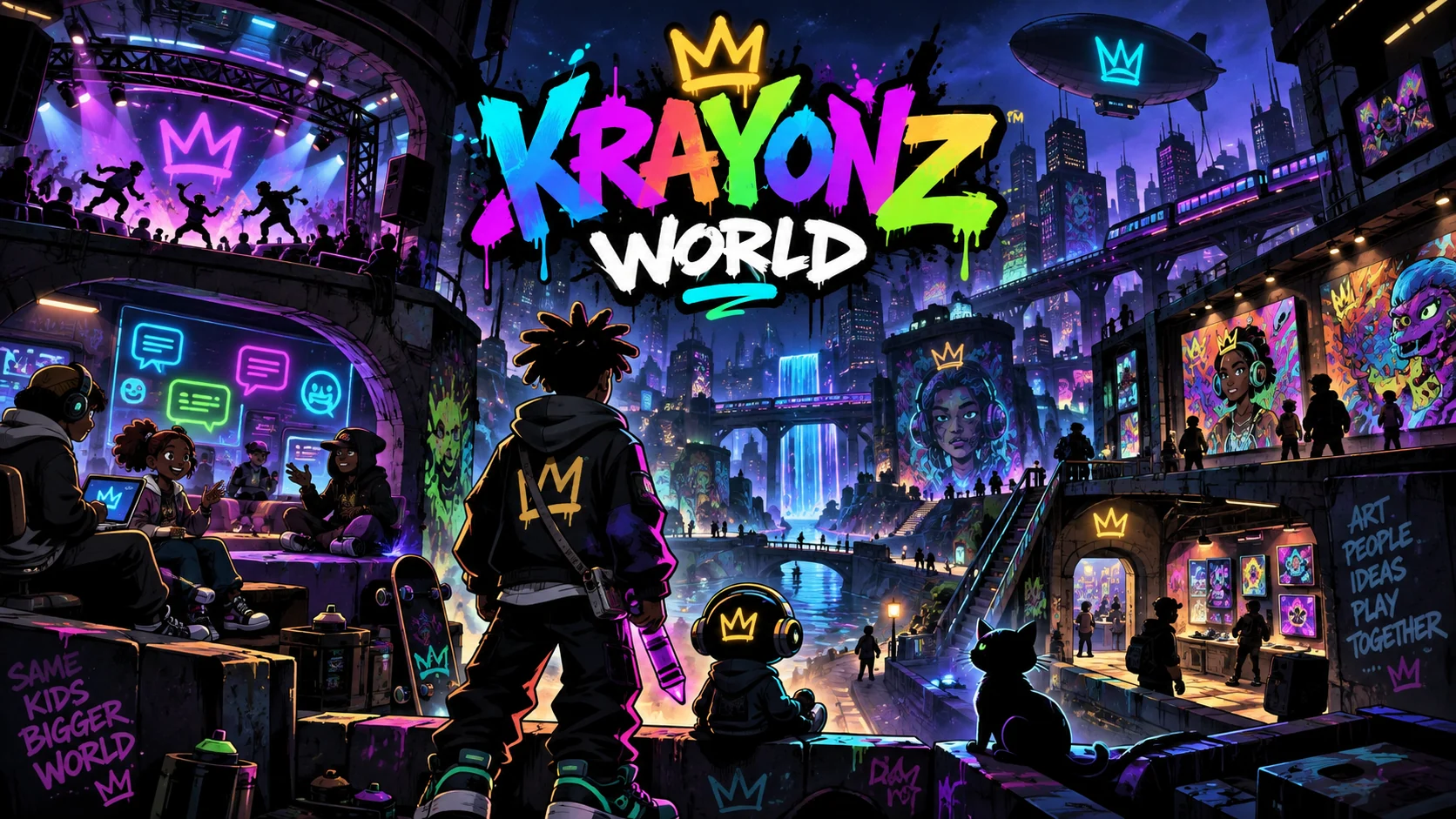
OWNER VIEW // KRAYONZ WORLD
SEE THE WORLD.
RUN THE SYSTEM.
Members, progress, public art, Commons health and moderation in one place. Private messages and exact live physical coordinates stay outside the dashboard.
Open this tab to load KRAYONZ World data.
Select a member to view account-level activity counts.
Member overview loads here.
Real-world art submissions load here.
Commons moderation queue loads here.
LAST 30 DAYS
WHAT MOVES PEOPLE.
Privacy-light event counts only: page activity, booking clicks, Battle Arena votes/applications and download actions. Names, emails and inquiry text stay in their private operational sections — not analytics.
Open this tab to load analytics.
AUDIENCE → NEWSLETTER → RETURN
ACCESS + SUBSCRIBERS.
Your newsletter / signal list lives here. See who subscribed, what they care about, change subscription status and export the current audience when you are ready to send a campaign.
Open this tab to load subscribers.
Approve, hold or reject artist marketplace submissions.
Requires a server-verified administrator role and MFA.